All features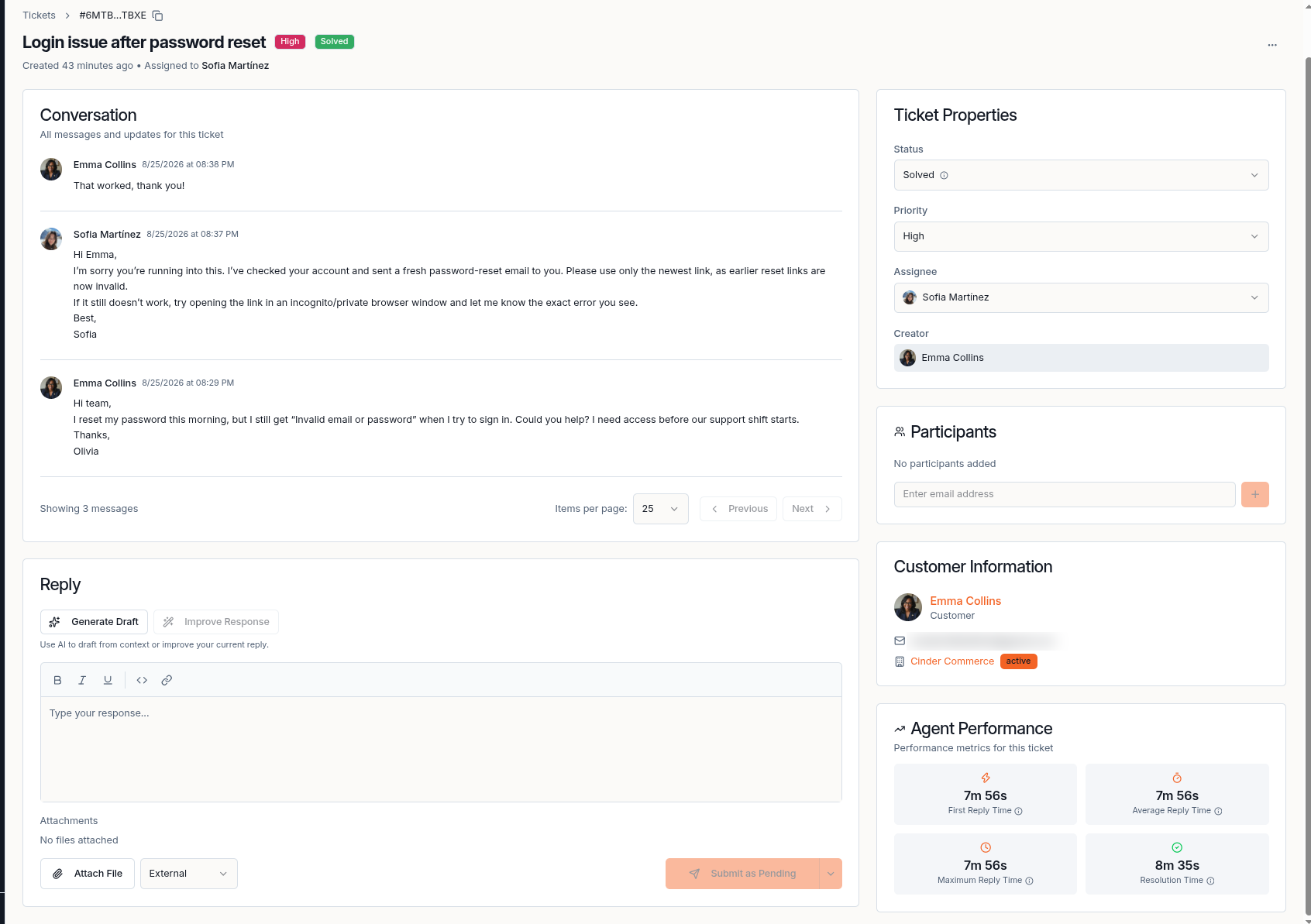
Team collaboration
Teams and ticket routing
Group your staff into teams, route tickets to eligible team members based on workload, and see each team's queue.
Problem
When Billing and Product Support share one queue, deciding who should take each ticket can slow down the first reply.
How Muninx helps
An admin chooses a team for the ticket. Muninx selects an active team member who accepts automatic assignments based on workload. If nobody qualifies, the ticket stays with the team and can be assigned manually.
Key capabilities
Staff groups and workload-based assignment when an admin routes a ticket
Team views and an admin queue filter
Individual assignments and role-based access
Private internal notes on tickets
Reply identity controls for customer replies
Start with one free human seat and one free AI-assisted staff seat
Add staff seats on Business as your team grows.